 Cancel
Using garment design search shortcuts
When you're interested in a specific chemical protection or cleanroom product design, a shortcut in DuPont™ SafeSPEC™ lets you quickly identify your options.
Step-1
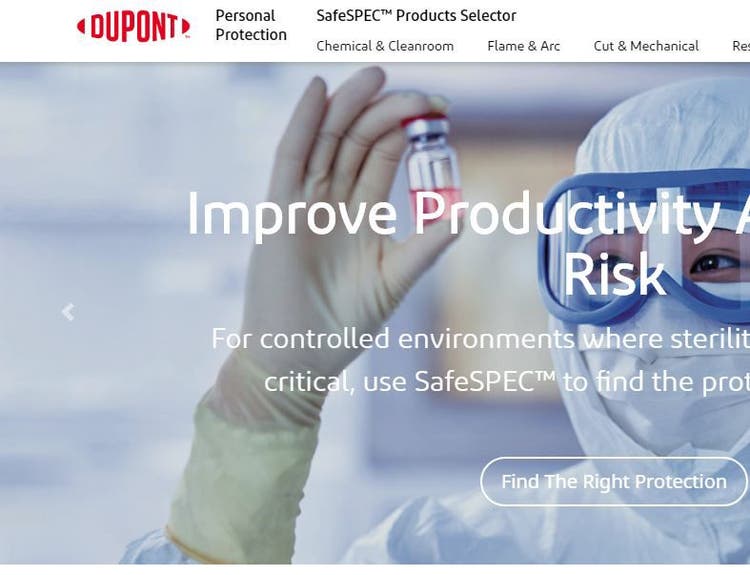
From the SafeSPEC™ home page, click on Chemical Protection & Cleanroom in the top navigation bar. Click on Featured Products from the drop-down menu.
Step-2
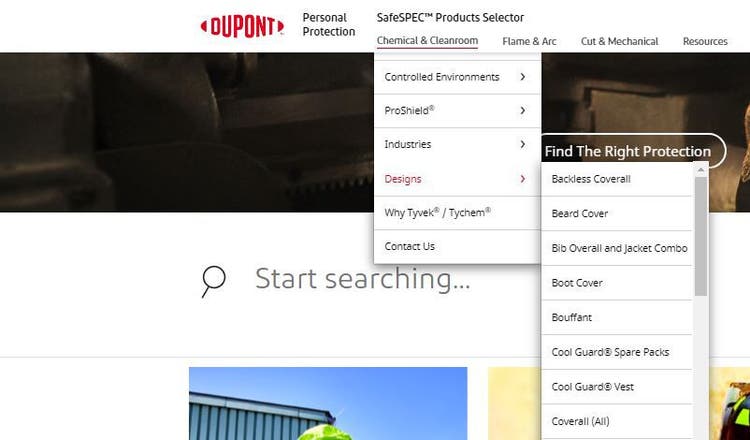
On the drop-down menu, under Designs, select the design category you’d like to view. For this example, we’ll select Coverall (All).
Step-3
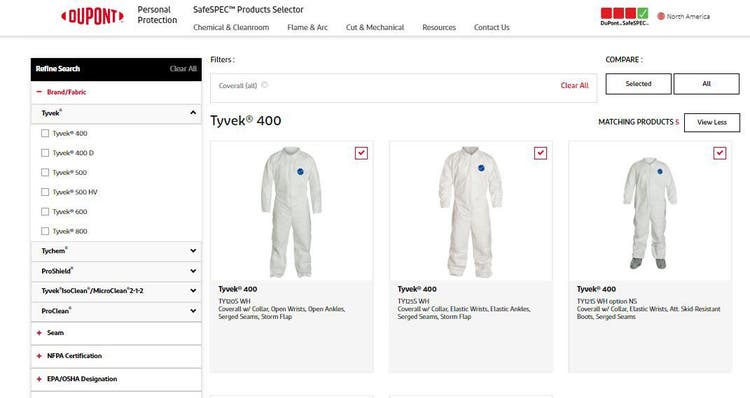
Scroll down and select the product(s) of interest to get detailed product information. Products are listed by product family (i.e., Tyvek® 400, Tychem® 2000, etc.).