 Cancel
Finding product details by design
By doing a garment design search in DuPont™ SafeSPEC™, you can quickly see what specific garment options are available in the design you're interested in. You can do this search at a high level (frontal body protection) or at a more specific level (sleeved apron).
Step-1
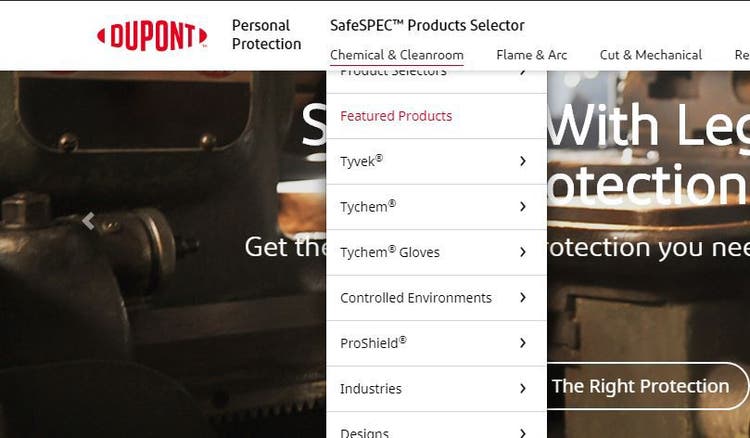
From the SafeSPEC™ home page, click on Chemical Protection & Cleanroom in the top navigation bar. Click on Featured Products from the drop-down menu.
Step-2
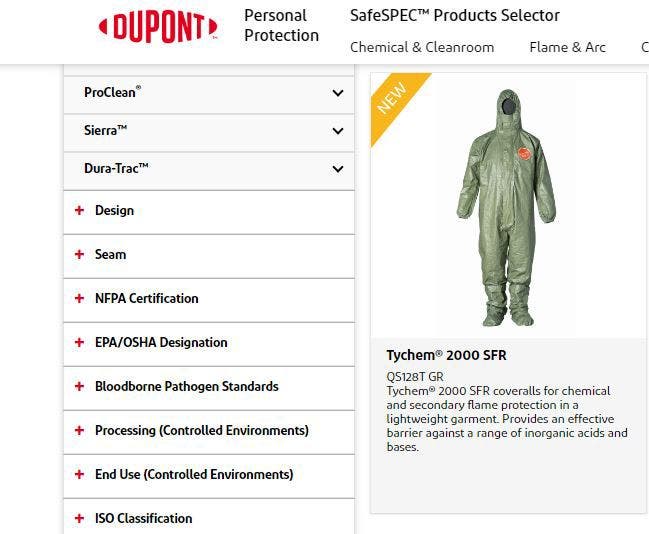
On the Products page, select the + sign next to Design to view product design options.
Step-3
Use the arrows to see design options in each category. For this example, we’ll use Full Body Protection.
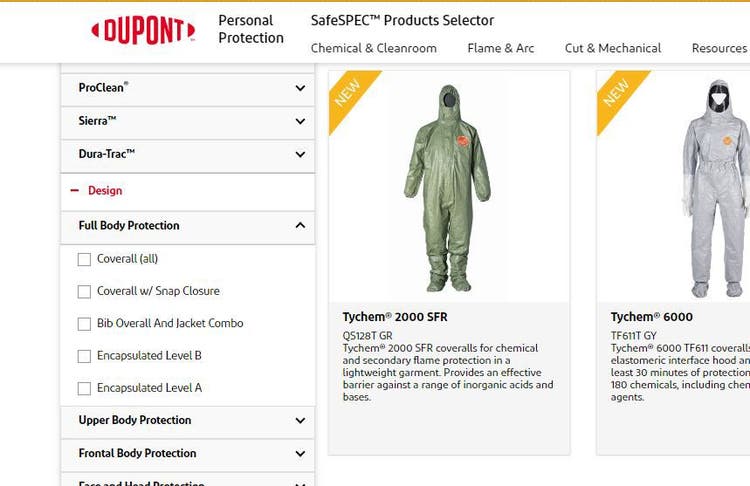
Step-4
Select the garment design that interests you by using the check box. For this example, we’ll use Encapsulated Level A.
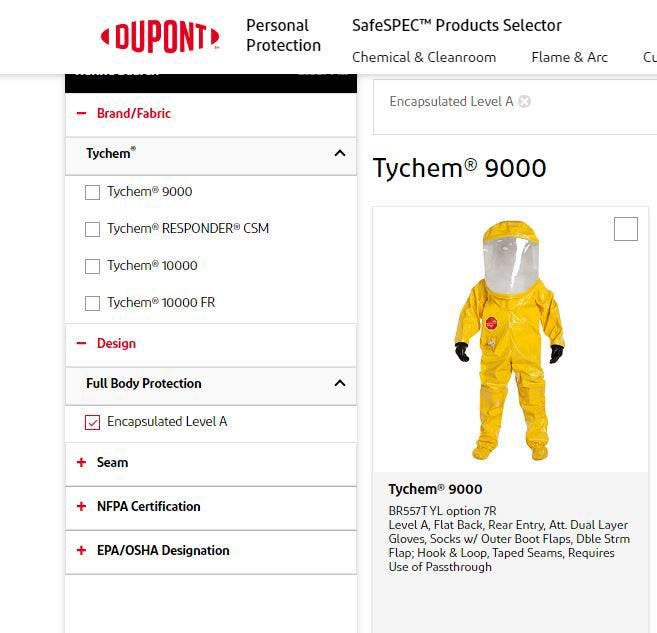
Step-5
Select a garment that interests you
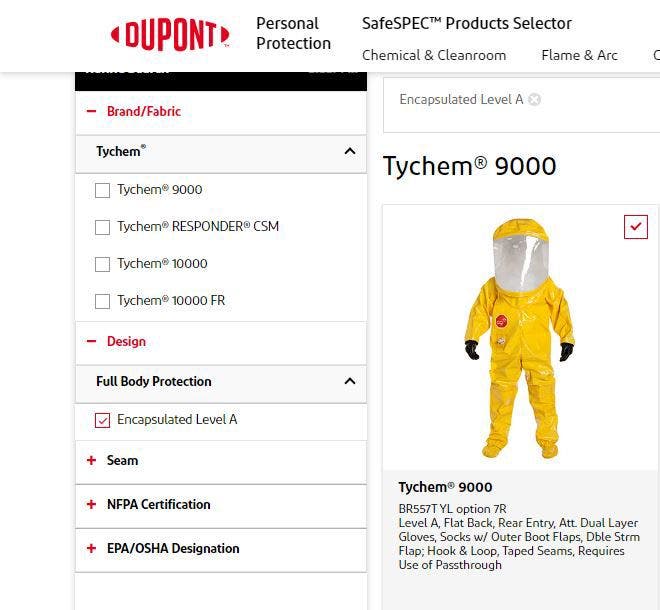
Step-6
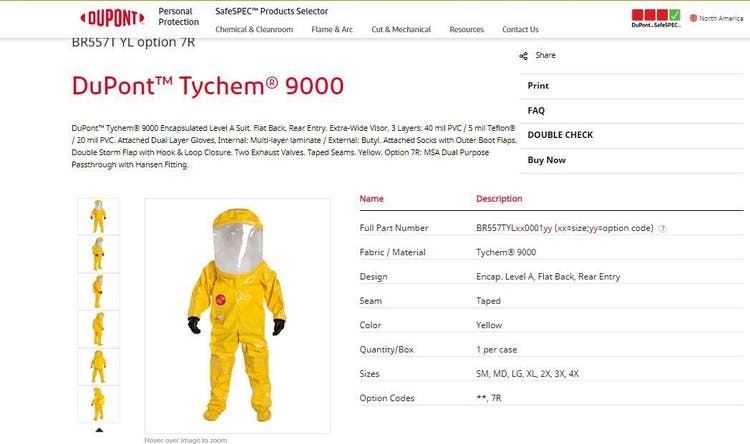
Click on the product for complete details.